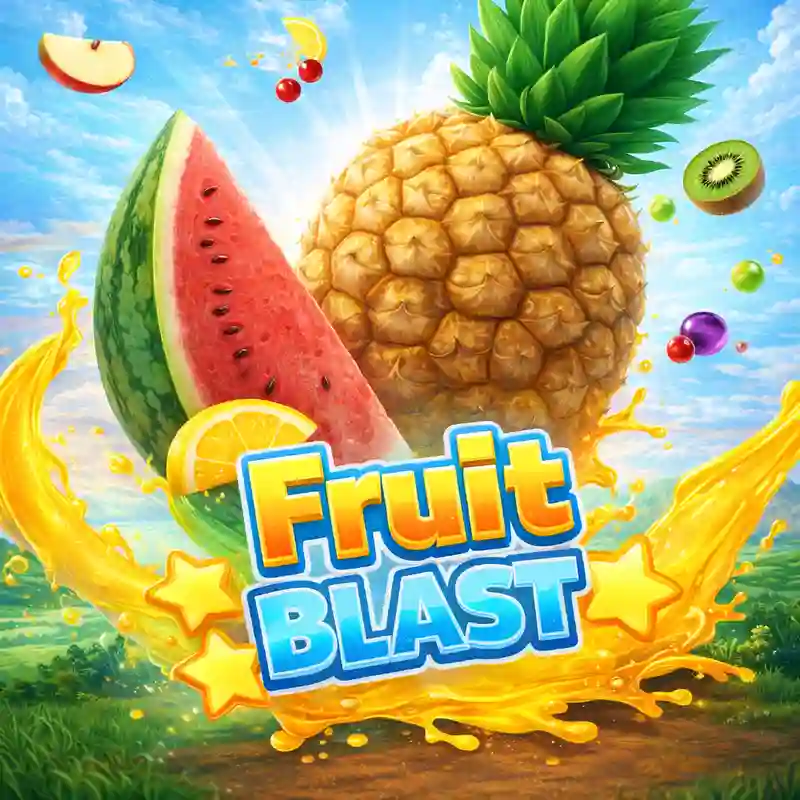
How do I start playing Fruit Blast at Starbet?
To start playing Fruit Blast, simply log in to your Starbet account and navigate to the casino section. If you are new, you can visit our register page to create an account using your GCash details. Once logged in, search for Fruit Blast and click the play button to load the game interface.
Can I play Fruit Blast on my mobile phone?
Yes, Fruit Blast is fully optimized for mobile devices. You can play it directly through your mobile browser or for a more seamless experience, use the Starbet app download page to install our official application on your Android or iOS device.
What are the winning combinations in Fruit Blast?
Winning combinations in Fruit Blast are determined by matching fruit symbols across active paylines. Since specific paytables vary, we strongly recommend clicking the information (i) icon within the Fruit Blast game menu to view the official symbol values and line configurations.
How do I verify the RTP and volatility of Fruit Blast?
Official specifications like RTP and volatility are published by the game studio. In this category of slots, these values typically vary based on the version. The most accurate and up-to-date numbers for Fruit Blast can be found in the in-game help section or paytable.
How can I manage my budget while playing Fruit Blast?
Effective budget management involves setting a strict limit before you start. For example, decide to spend only ₱500 for a session. If you reach that limit, stop playing regardless of the outcome. Visit our responsible gaming page for more tools on deposit limits and self-exclusion.
 starbet